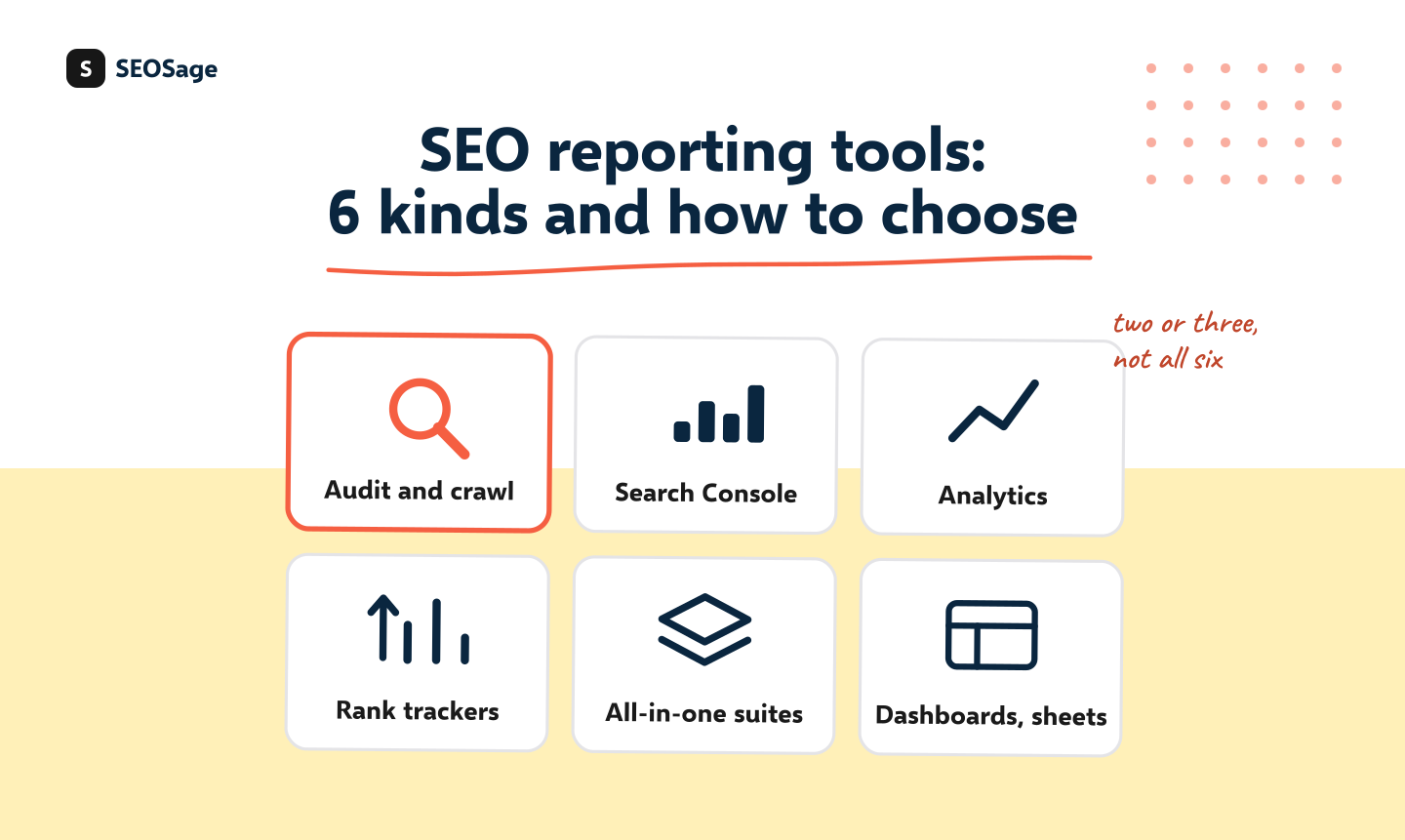
SEO reporting tools fall into six kinds: audit and crawl tools, Google’s free tools, rank trackers, all-in-one suites, dashboard builders and spreadsheets. No single kind covers everything a client wants, so most agencies use two or three. This guide explains what each kind reports, what it cannot do, and how to choose using the report you need to send, not a feature list.
It is written by the maker of SEOSage, one of the audit and crawl tools, so we say plainly where each kind fits and where SEOSage does not. We do not review or link to other products’ pages here.
TL;DR
- Six kinds of tool: audit and crawl, Google Search Console, Google Analytics, rank trackers, all-in-one suites and dashboards or spreadsheets.
- Start with what the client must see in the report, then pick the tools that supply those numbers.
- Most agencies use two or three kinds: one for site health, one for search data and one to format the report.
- Check whether the report can carry your logo, and which formats it exports.
- Ask what a tool cannot do, and test it on one real client before paying for a year.
What are the six kinds of SEO reporting tool? #
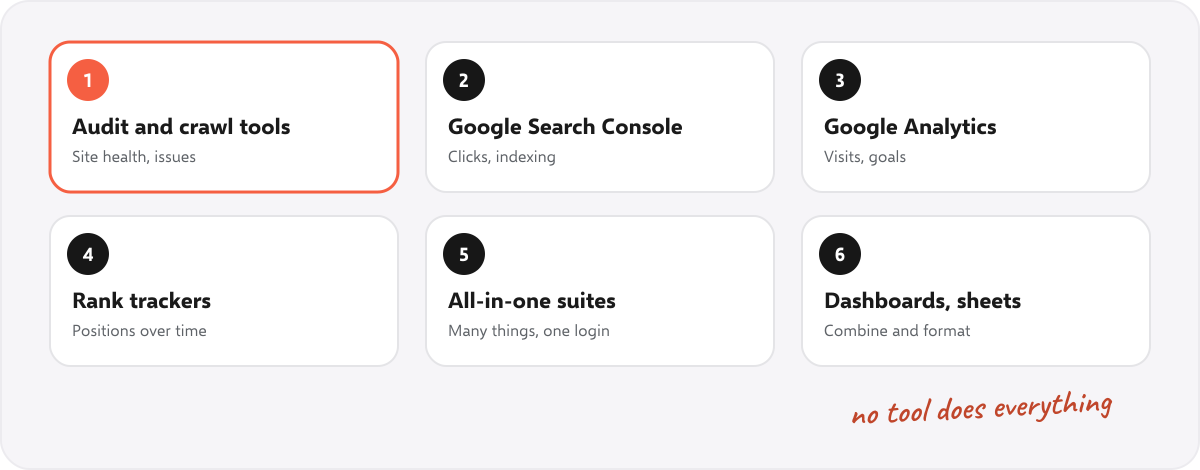
| Kind | What it reports | Good for | Watch out for |
|---|---|---|---|
| Audit and crawl tools | Site health: errors, hidden pages, broken links, titles, speed | The “before and after” of the work you do on a site | Most do not show rankings or traffic. SEOSage is this kind, and adds Search Console numbers and pinned keywords |
| Google Search Console | Clicks, impressions, average position, indexing problems | Search results, from Google itself, free | Only your own site, and the interface is not made for client reports |
| Google Analytics | Visits, where they come from, goals and sales | The results clients care about, such as enquiries | Needs set-up. Numbers can differ from Search Console |
| Rank trackers | Positions for chosen phrases, over time | Showing movement for the phrases a client cares about | Positions vary by place and device, and tracked phrases cost money |
| All-in-one suites | Many things: keywords, links, audits, rankings | One login for many tasks | Often priced by project or user, and each part is shallower than a specialist tool |
| Dashboards and spreadsheets | Anything you connect or type in | Combining sources in one view you design | Set-up time, and you maintain it |
Which mix do most agencies use? #
A common mix is one tool for site health, Google’s free tools for search data, and one place to format the report. Our own mix for a small client is: a crawl for site health (with a saved history), Search Console for clicks and indexing, the client’s analytics for enquiries and a document for the monthly summary. See the monthly SEO report template for how those pieces fit on two pages.
How do you choose a reporting tool in four steps? #
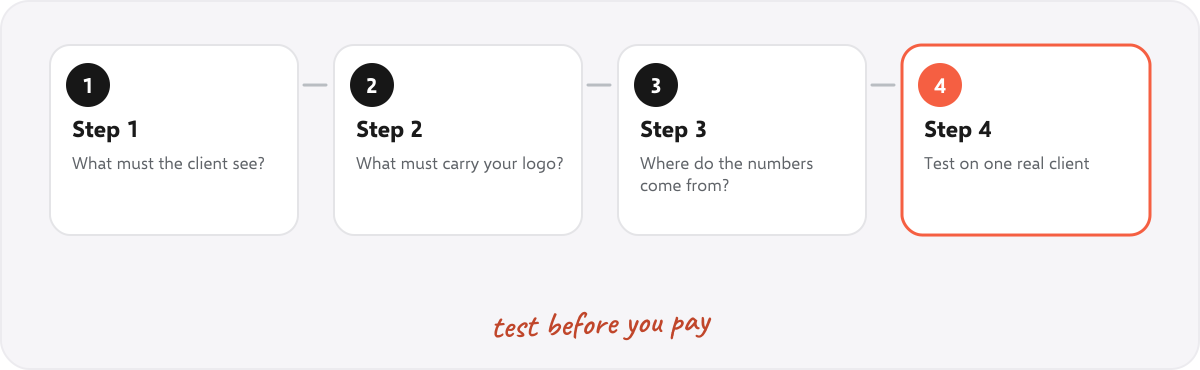
- List what the client must see. Usually: how healthy the site is, how many people found it from search, and one result such as enquiries. For ideas, see SEO KPIs and what to include in a client report.
- Mark what must carry your logo. If clients should see your brand, check that the export has your logo and colours. This is called white label reporting. See what white label SEO is.
- Check where each number comes from. Health from a crawl, clicks from Search Console, enquiries from analytics or the client’s records.
- Test on one real client before you pay for a year. Make one real report and see how long it takes.
What questions should you ask before you buy? #
- Can I put my own logo and colours on the exports, and on which plans?
- Which formats does it export? PDF, PowerPoint and Excel are the common ones clients use.
- Does it keep a history, so this month can be compared with last month?
- Is there a limit on pages, projects or users, and what happens when I pass it?
- Does it run in the cloud or on my computer, and who holds my clients’ data?
- What does it not do? Ask directly.
- Is there a free trial long enough to make a real monthly report?
Can you start with free tools? #
Yes. Google Search Console and Google Analytics are free and cover much of what clients ask for: clicks, impressions, visits and enquiries. A document and a monthly crawl add the site health story. Many small agencies run on that for a long time. Add a paid tool when a specific job takes too long by hand, not before. For the document, our free monthly SEO report template and website audit report template need no tool at all.
Where does SEOSage fit? #
SEOSage is a desktop SEO audit app for Mac and Windows that crawls on your own computer with no page limit. It covers the audit and crawl kind: it finds and groups issues, saves every crawl, compares any two, shows Search Console numbers next to a crawl and exports a branded PDF, PowerPoint, Excel or CSV report with your logo on every plan. Plans start at $9 a month, and the free trial lasts 14 days. It also tracks the positions of keywords you pin, with country and device filters, drop alerts and a branded export. It has no backlink or keyword database, and it does not email reports for you. See the white label SEO audit reports page for what the exports look like.
Common mistakes when choosing reporting tools #
- Buying a suite for one feature. Check that the one thing you need is good.
- Choosing by number of metrics. Clients read ten, not a hundred.
- Not testing the export. A report that looks rough with your logo costs you.
- Paying yearly before one real report. Make one first.
- Forgetting what the client already has. Search Console and analytics may already be set up.
Summary #
There are six kinds of SEO reporting tool, and none does everything. Start from the report you need to send, pick the tools that supply those numbers, check the logo and export formats, ask what each cannot do and test on one real client first.
FAQ #
What are SEO reporting tools? #
Tools that collect SEO data such as site health, clicks, rankings and visits, and present it for a client or a team.
What is the best SEO reporting tool? #
It depends on the report you need to send. Most agencies combine two or three kinds of tool.
Are there free SEO reporting tools? #
Yes. Google Search Console and Google Analytics are free, and a document or spreadsheet can format the report.
What should an SEO report show? #
Site health, search results and one result the client cares about, such as enquiries. See SEO KPIs.
Can I put my logo on an SEO report? #
Many tools allow it, some only on higher plans. Check the export before you buy.
Do I need a rank tracker for client reports? #
Not always. Clicks and impressions from Search Console cover a lot, and a rank tracker adds position for chosen phrases.
Does SEOSage track rankings? #
Yes, for keywords you pin, with country and device filters and drop alerts. It has no keyword research or backlink database, so use a separate tool for those.