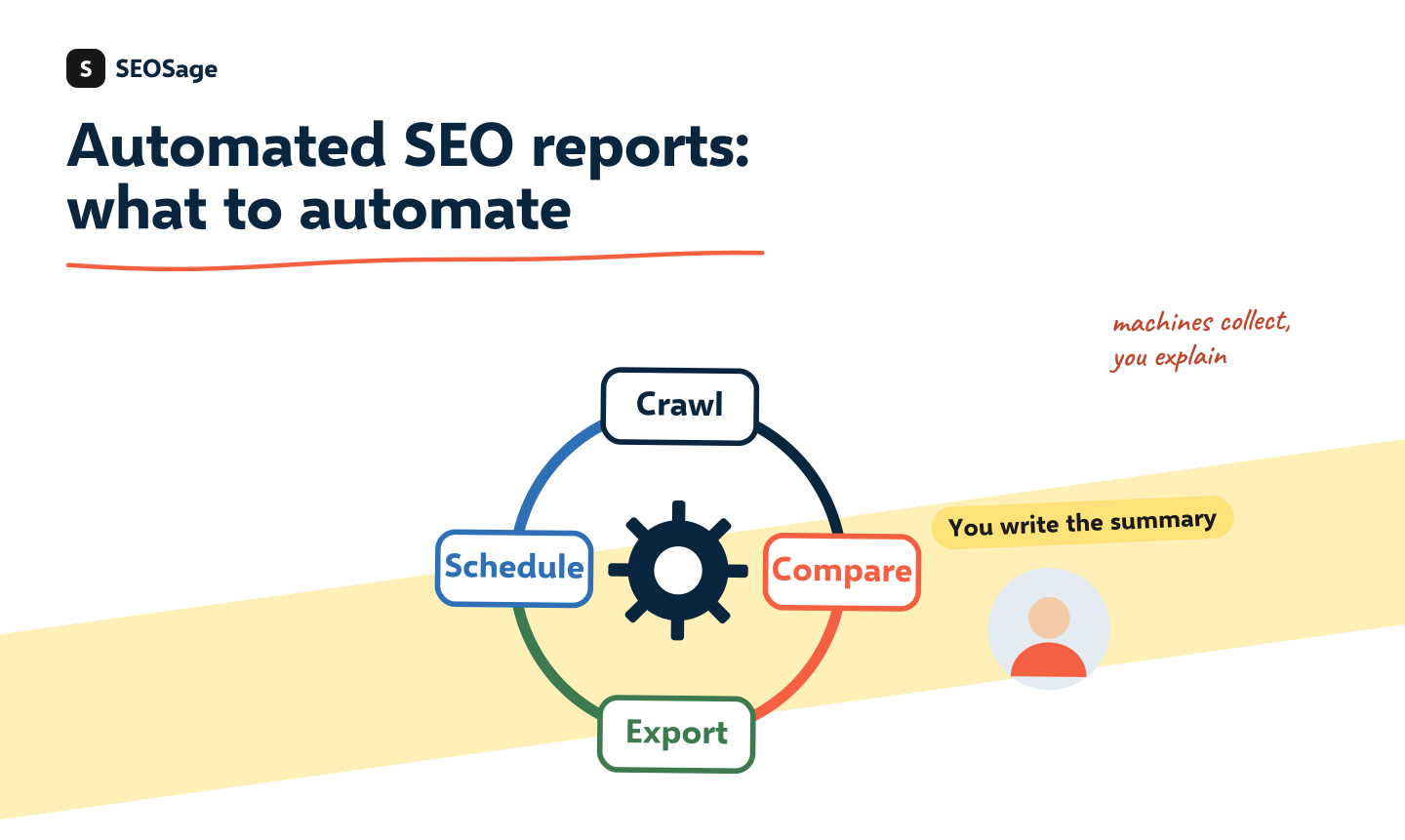
Automated SEO reports save the slow part of reporting, which is collecting and comparing numbers, so you can spend your time on the part clients pay for: explaining what the numbers mean. You can automate crawls, comparisons, exports and reminders. You should not automate the summary, the explanation of a drop or the next steps. This guide shows what to automate, what to keep, and a five-step monthly flow.
It is written by the maker of SEOSage, an SEO audit app with scheduled crawls and branded client reports. The advice applies to any tool, and we say plainly what SEOSage does and does not do.
TL;DR
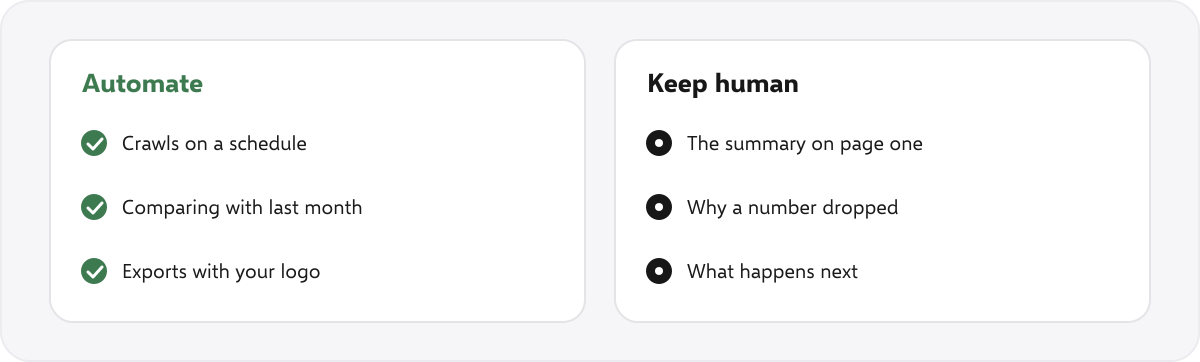
- Automate the collecting: crawls on a schedule, a comparison with last month, and an export that carries your logo.
- Keep the thinking: the summary on page one, why a number dropped and what happens next.
- Read every report before it reaches a client. A report nobody read can embarrass you.
- Follow a five-step monthly flow, and use a fixed template so every report looks the same.
- Ask any tool what it does not do: scheduling, comparing, branding and who writes the summary.
What should you automate in SEO reports? #
- Crawls. A crawl every week or month, so last month’s data is always there. A site health check that you remember to run will be skipped in a busy month.
- Comparison. A side-by-side of this crawl and the last one: what was fixed, what is new and what got worse.
- Exports. A PDF, PowerPoint, Excel or CSV with your logo and colours, produced in one click.
- Reminders. A calendar entry on the same day each month for sending the report.
- Search data. Google Search Console numbers pulled into the same layout each month.
What should you keep human? #
- The summary on page one. A client reads this and nothing else. It must be written for that client.
- Why a number dropped. A tool can show a drop. Only you know about the launch, the sale or the developer’s change that explains it.
- What happens next. The plan for next month is a decision, not a data point.
- The call. Reports build trust when they come with a conversation.
A fully automatic report that nobody reads is the fastest way to lose a client. They stop opening it, and then they stop paying. The structure in our monthly SEO report template shows what to write by hand.
What is a five-step monthly flow? #
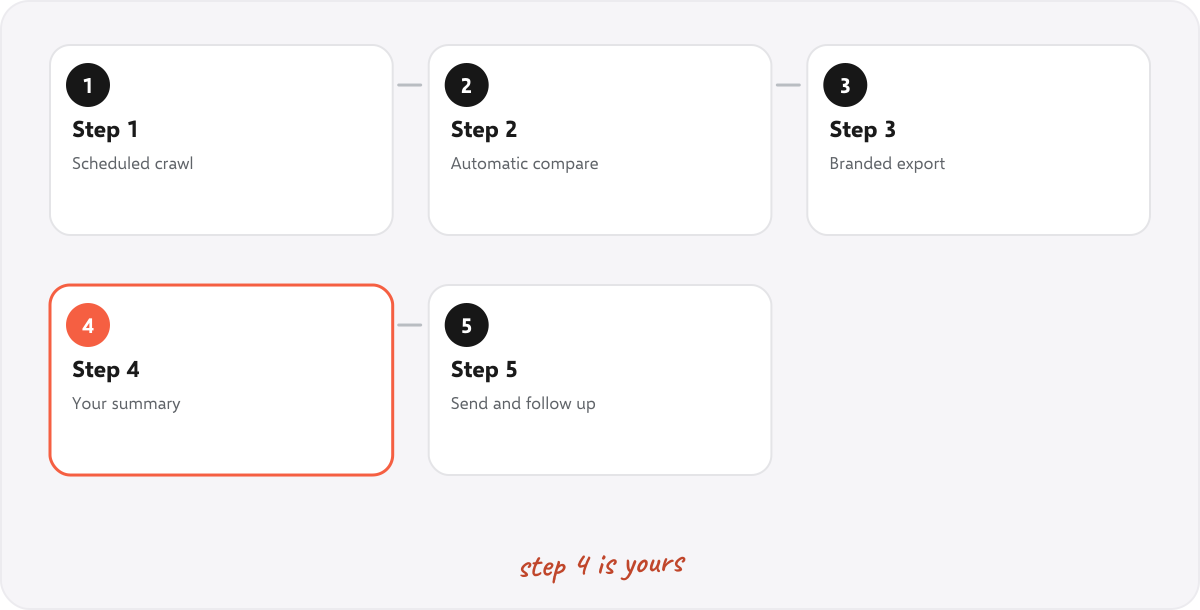
- Scheduled crawl. The site is crawled on the same day each month, automatically.
- Automatic compare. The new crawl is set against the last. In SEOSage the compare view shows what was fixed, what is new and what got worse.
- Branded export. The result is exported with your logo. See white label SEO audit reports.
- Your summary. Write page one and the explanation of anything unusual. This takes ten minutes when the rest is ready.
- Send and follow up. Send it on the same day each month, and book the call.
With this flow, most of the time left goes on the part that needs you: the summary and the explanation. Your own time will vary with the size of the site.
What should you look for in a tool for automated SEO reports? #
| Question | Why it matters |
|---|---|
| Can it crawl on a schedule? | So last month’s data exists without you remembering |
| Does it keep every crawl and compare them? | A report is a comparison, so the history must be saved |
| Does the export carry your logo and colours? | Clients should see your brand, not a tool’s |
| Does it export to formats clients use? | PDF, PowerPoint and Excel are the common ones |
| Who writes the summary? | If the answer is “the tool”, read it carefully before sending |
| What does it not do? | No tool does everything. Know the gaps before you promise clients |
How does SEOSage help with automated SEO reports? #
SEOSage is a desktop SEO audit app for Mac and Windows that crawls on your own computer with no page limit. It can crawl each site daily, weekly or monthly while the app is open or in the menu bar, saves every crawl, compares any two, and exports a branded PDF, PowerPoint, Excel or CSV report on every plan. Plans start at $9 a month, and the free trial lasts 14 days. It does not email reports to clients on a schedule and it does not write the summary for you, so those steps stay with you. Its computer must be on for scheduled crawls to run.
Common mistakes with automated SEO reports #
- Sending without reading. One wrong number damages trust for months.
- Automating the summary. A generic summary tells the client you did not look.
- Changing the template every month. Clients learn where to look when it stays the same.
- Too much data. Automation makes it easy to add fifty numbers. Keep the ten that matter.
- No date discipline. Send on the same day each month.
Summary #
Automate the collecting and keep the thinking. Schedule the crawls, compare automatically, export with your logo, then write the summary and explain every change yourself. Read every report before you send it.
FAQ #
Can SEO reports be automated? #
Yes, the collecting and formatting can: crawls, comparisons, exports and search data. The summary and the explanations are best written by a person.
How do I automate SEO reports for clients? #
Schedule a crawl each month, compare it with the last one, export a branded report, then add your own summary and send it on a set day.
Should an AI write my SEO report summary? #
It can draft one, but read and edit it. You know the client’s context, and a wrong or generic line costs you trust.
How long should a monthly report take? #
It depends on the site, but with a good flow most of the time should go on writing the summary and checking the report, not on collecting numbers.
Can SEOSage email reports automatically? #
No. It schedules crawls and exports branded reports, and you send each one yourself.
What is the best day to send a monthly SEO report? #
A few days after the month ends, so Search Console numbers are complete, and the same day every month.