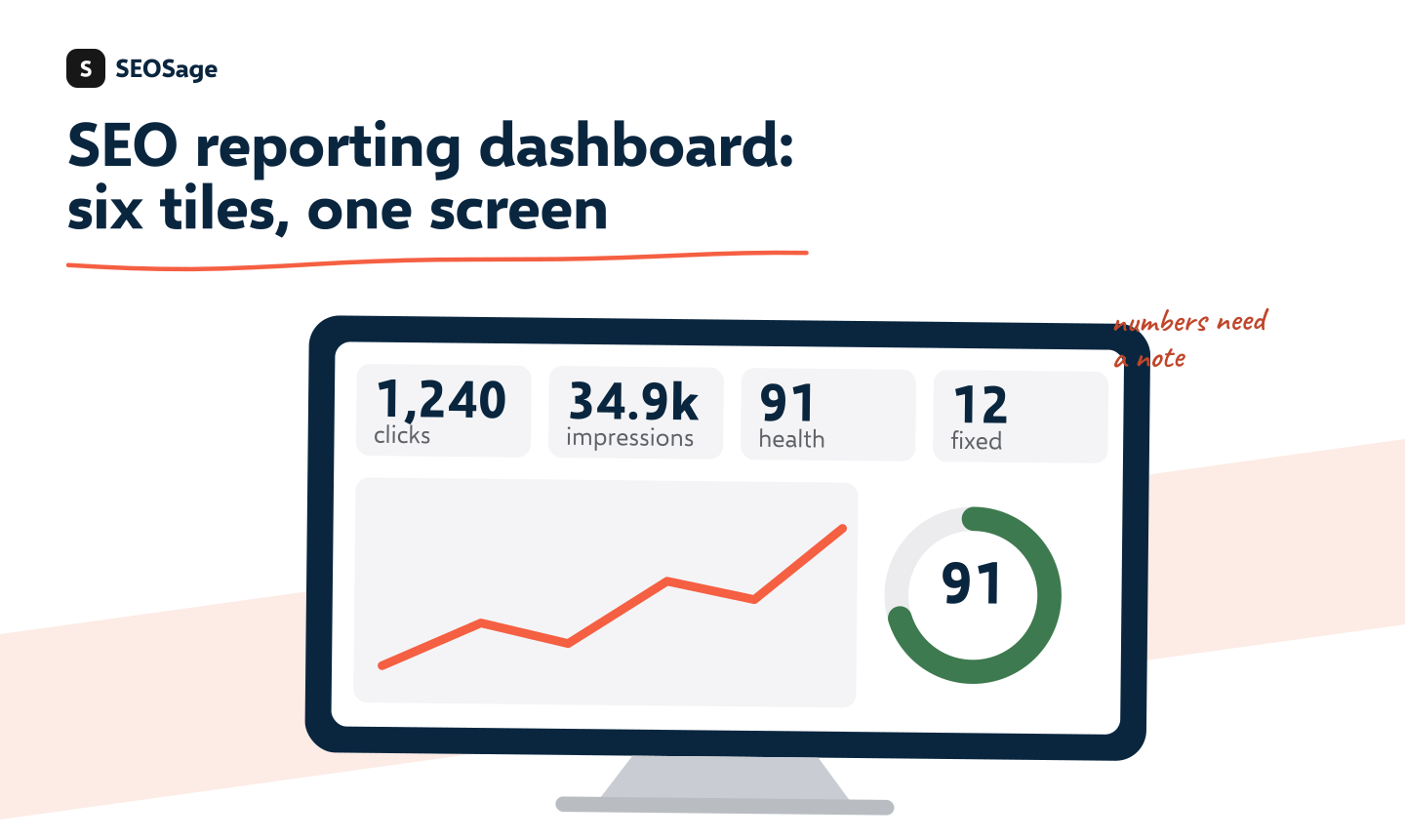
An SEO reporting dashboard is a single screen that shows a client the numbers that matter: clicks from Google, top pages, site health and results such as enquiries. A useful one has about six tiles and a short note from you. Some clients want a live dashboard, and some want a monthly report with a plan. This guide shows what to put on a dashboard, how to build a simple one for free and how to choose between a dashboard and a report.
It is written by the maker of SEOSage, an SEO audit app that makes branded reports. We say plainly where a dashboard is the better choice, because many clients do prefer one.
TL;DR
- A good SEO dashboard has about six tiles: clicks, impressions, top pages, site health, enquiries and a note from you.
- Numbers alone do not tell a client what to do. Add two lines of explanation each month.
- You can build one for free from Google Search Console and Google Analytics in an afternoon, and copy it for each client.
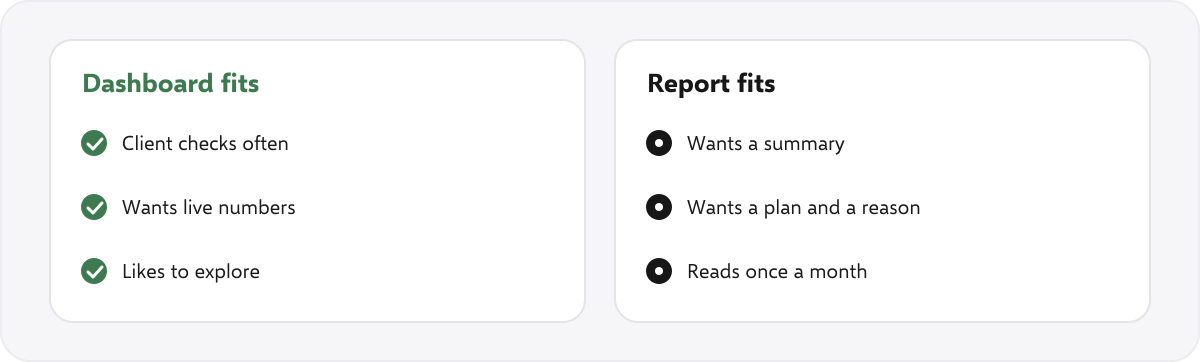
- A dashboard suits clients who check often. A report suits clients who want a summary and a plan once a month.
- Whatever you choose, keep it maintained. A broken connection looks like a broken agency.
This guide is part of our series on white label SEO and client reporting. To put your own brand on audits and reports, see our white label SEO software.
What should an SEO reporting dashboard show? #
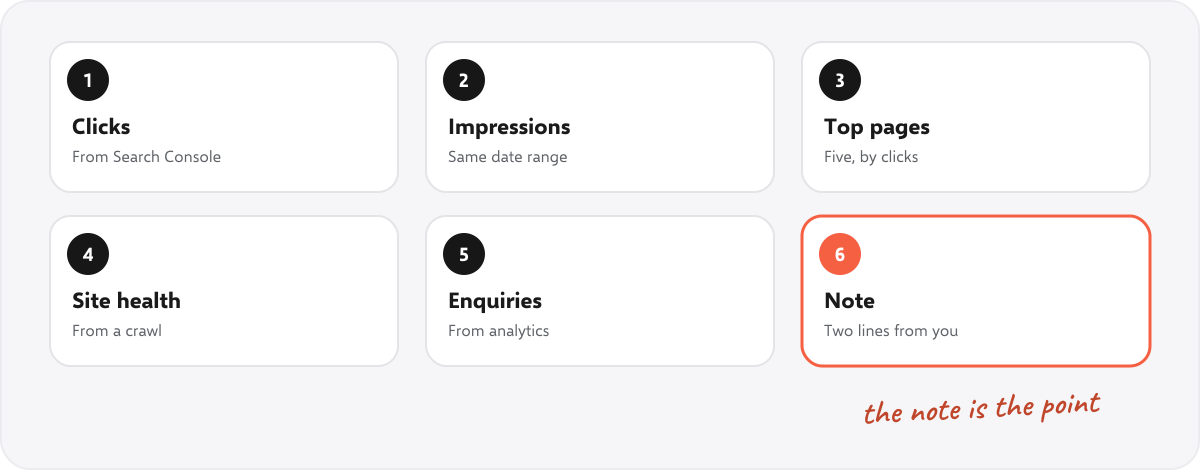
- Clicks from Google. The most direct sign of search results, from Search Console, with last month beside it.
- Impressions. How often the site appeared. It shows reach before clicks.
- Top pages. The five pages with the most clicks. It tells the client what is working.
- Site health. A health score, errors and pages hidden from Google, from a monthly crawl.
- Enquiries or sales from search. From analytics or the client’s records. This is the number they care about most.
- A note from you. Two lines on what changed and what happens next.
Resist adding more. Every extra tile makes the important ones harder to see. For ideas on which numbers matter, see SEO KPIs.
How do you build an SEO dashboard for free? #
- Pick a dashboard tool. Google’s free Looker Studio connects directly to Search Console and Analytics, so no extra cost is needed to start.
- Connect your sources. Search Console for clicks, impressions and pages, and Analytics for enquiries.
- Lay out the six tiles, using a date range that compares this month with last month.
- Add the site health numbers. Crawl the site monthly and type the score, errors and hidden pages into a small table or a spreadsheet the dashboard reads.
- Save it as a template and copy it for each new client, changing the connections.
- Share a view-only link with the client.
This takes an afternoon to build and a few minutes per client afterwards. The site health step is manual because a crawler and a dashboard tool are separate things. See the six kinds of SEO reporting tool for how they fit together.
Should you send a dashboard or a report? #
| Dashboard | Report | |
|---|---|---|
| Best for | Clients who check often and like live numbers | Clients who want a summary and a plan once a month |
| Explains why | Only if you add notes | Yes, in the summary and the plan |
| Effort per month | Low after set-up, but it must be maintained | An hour or so of writing |
| Carries your brand | On the page, if the tool allows | On every page of the document |
| Risk | A broken connection shows wrong or empty numbers | A report nobody reads |
Many agencies do both: a live dashboard for those who like to look, and a short monthly report for the summary. Use our monthly SEO report template for the report side, and see what to automate in SEO reports to save time on both.
Where does SEOSage fit? #
SEOSage is a desktop SEO audit app for Mac and Windows that crawls on your own computer with no page limit. It is not a dashboard builder. It supplies the site health part: a monthly crawl with a saved history, a comparison with last month and a branded PDF, PowerPoint, Excel or CSV export with your logo on every plan, which you can attach next to a dashboard or paste into one. It also shows Search Console numbers and Google Analytics visits for each page, and tracks the keywords you pin. Plans start at $9 a month, and the free trial lasts 14 days.
Common mistakes with SEO dashboards #
- Too many tiles. Six is plenty.
- No explanation. Add a note each month, or the client will guess.
- Different date ranges on different tiles. It confuses comparison.
- A connection that breaks without notice. Check it each month before you send the link.
- Using it to avoid talking to the client. A dashboard supports the conversation. It does not replace it.
Summary #
A good SEO reporting dashboard has about six tiles and a note from you. Build it free from Search Console and Analytics, copy it per client and keep it maintained. Send a dashboard to clients who check often and a monthly report to clients who want the summary and a plan, or send both.
FAQ #
What is an SEO reporting dashboard? #
A single screen that shows a client key SEO numbers, such as clicks, top pages, site health and enquiries.
What metrics should be on an SEO dashboard? #
Clicks, impressions, top pages, site health, enquiries or sales from search, and a short note.
How do I build an SEO dashboard for free? #
Use a free dashboard tool that connects to Google Search Console and Analytics, lay out six tiles and copy it for each client.
Is a dashboard better than a monthly report? #
It depends on the client. Dashboards suit those who check often. Reports suit those who want a summary and a plan.
Can I put my logo on a dashboard? #
Often yes, on the page header. Check the tool you use.
Does SEOSage have a dashboard? #
It has an in-app view of crawl results, but it is not a client dashboard builder. It exports branded reports you can send or attach.
How often should a dashboard update? #
Search data updates daily. Site health updates when you crawl, so crawl monthly at least.
Recommended #
- Best SEO Reporting Tools in 2027
- Monthly SEO Report: Free Template and Example (Word, PDF)
- SEO KPIs: 12 Metrics to Track and Report to Clients
- SEO Client Report: What to Include (Real Example)
- What Is White Label SEO? Which Kind You Need
- Automated SEO Reports: What to Automate and What Not To
- Agency Reporting: Report to Many Clients Without Burning Out
Run your own SEO audit
SEOSage crawls every page of your website, lists what is wrong and turns it into a report you can send to a client.