A SaaS SEO audit starts with one question: can search engines see your revenue pages? Your pricing, demo and trial sign-up pages come first. A missing meta description has never cost a company a customer. A trial page that Google cannot index has. This guide gives you a 10-step SaaS SEO checklist you can run in one day, plus the extra steps for a full one-week audit.
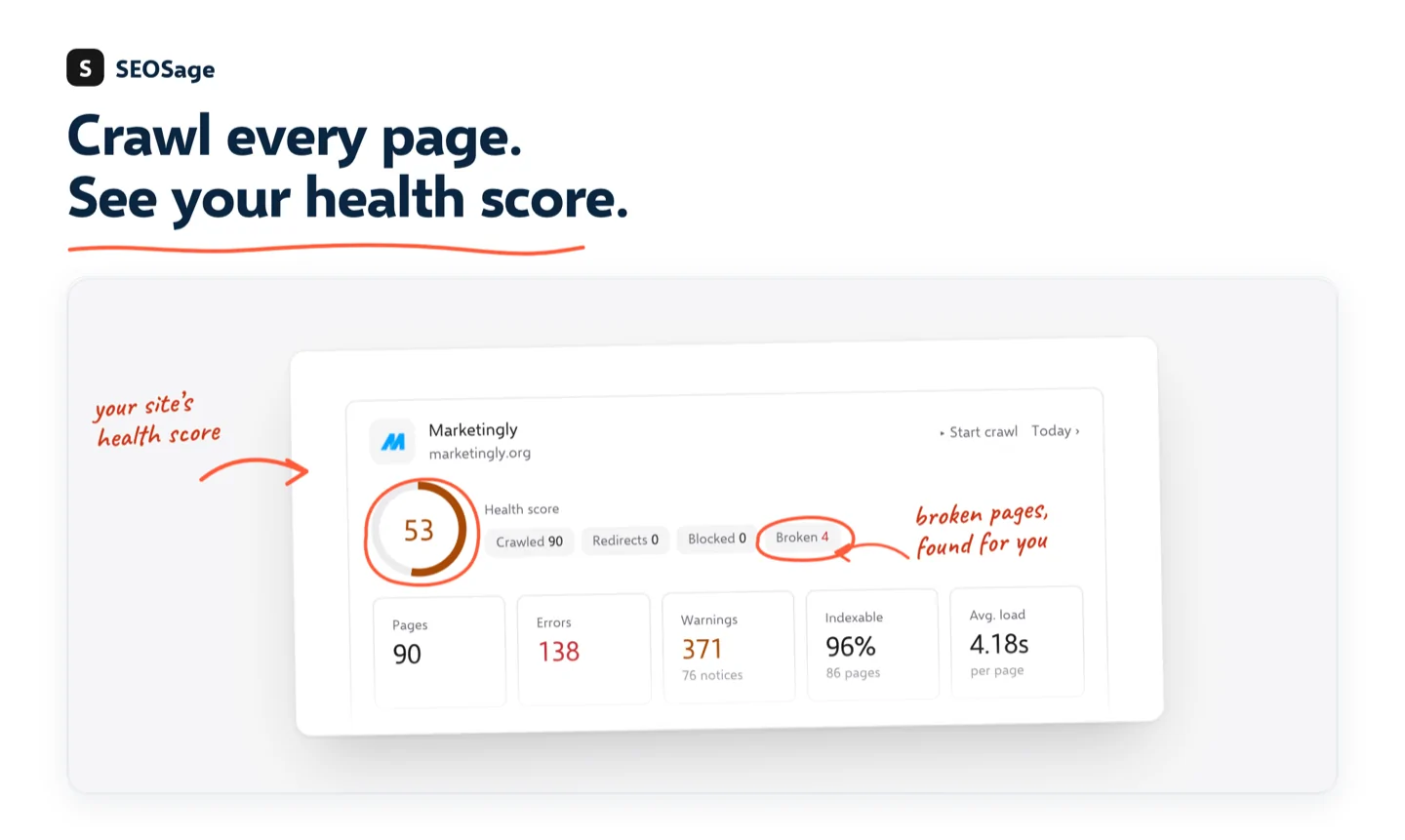
Want the short version to print? Use our free SEO audit checklist alongside this guide.
TL;DR
- Check your pricing, demo and trial pages first. If they are not indexed, nothing else matters.
- Compare what a visitor sees with what Google sees. JavaScript-heavy SaaS sites often hide content from crawlers.
- Fix redirects, canonicals and soft 404s, then map each keyword to one page.
- Tie every fix to demos and trials, not just traffic.
- One day covers steps 1 to 5. One week covers all 10.
Before you start: goals, scope and access #
An audit with no goal ends as a list of warnings nobody fixes. Pick the numbers you want to move: organic demo requests, trial sign-ups from organic visits, and deals where organic search helped. Write down today’s values for your top pages. Without a starting point you cannot show the audit worked.
Then decide the scope. Most SaaS sites have a marketing site, a blog, docs, and sometimes a changelog or status page. Audit all of them, but start with pages that earn revenue: pricing, product, comparison and demo pages.
Get these ready first:
- Google Search Console and your analytics tool, with read access.
- A recent server log export, even 30 days, if you can get one.
- Your XML sitemap and robots.txt.
- A crawler with no page limit, so large docs sections are not cut off.
The 10-step SaaS SEO audit checklist #
Step 1: Confirm your revenue pages are indexable #
List your pricing, demo, trial and top product pages. For each one, check four things: it returns a 200 status, it has no noindex tag, robots.txt does not block it, and its canonical points to itself. In Search Console, open the URL Inspection tool and run a live test on each page.
Step 2: Check what search engines actually see #
Many SaaS sites are built with JavaScript frameworks. The page looks perfect in your browser, but the crawler may get a nearly empty page. In URL Inspection, open the rendered HTML and look for your main heading, body text, links and calls to action. If they are missing, you have found your most important fix.
Tip: Run this check on your pricing and demo pages before anything else. One passing result there is worth more than a hundred fixed title tags.
If content is missing, the usual fix is server-side rendering, static generation, or serving bots a prerendered version. Also confirm that schema (Product, FAQ, Organization) shows up in the rendered page, not only in your template.
Step 3: Crawl the whole site and compare it with your sitemap #
Run a full crawl with JavaScript rendering on if your site needs it. Export every URL with its status code and whether it can be indexed. Then compare with your sitemap and with Search Console’s page indexing report. Pages in the sitemap but missing from the crawl, or crawled but marked “excluded”, need a closer look. Watch for “Crawled, currently not indexed” clusters, which often point to thin or duplicate pages.
Step 4: Fix status codes, redirects and soft 404s #
- Point every redirect straight to its final page. Chains of three or four hops waste crawl time.
- Make sure deleted pages return a real 404 or 410, not a 200 that says “not found” (a soft 404).
- Check that redirect rules in your CDN match what your CMS thinks is happening.
- Check that canonical tags match the URL you actually serve, especially on pages with tracking parameters.
Step 5: Check speed and mobile #
Most ranking signals now come from the mobile version of a page, so confirm mobile shows the same main content as desktop. Check Core Web Vitals (loading, layout shift, responsiveness) on your top revenue pages. Slow load times also hurt demo and trial sign-ups directly.
Steps 1 to 5 make up the one-day audit. The next five complete the week.
Step 6: Check structure and internal links #
Link strength follows the links you built, not the pages you wish mattered. Check how many clicks it takes to reach each revenue page from the home page. A demo page five clicks deep sends a weak signal. Also look for:
- Docs and blog posts that mention a feature but never link to its product or integration page.
- Comparison and alternative pages that no other page links to.
- Pages with no internal links at all (orphan pages).
- Crawl waste from URL parameters, filters on resource libraries, or session IDs in links.
If you have server logs, filter for search engine bots. If your pricing page is rarely crawled while an old tag archive is crawled daily, your internal links are pointing the wrong way.
Step 7: Map every keyword to one page #
Group your keywords by intent: learn, compare or buy. Someone searching “SaaS SEO checklist” wants a guide. Someone searching “SaaS SEO audit tool” is close to buying. Give each group one page, and send buying terms to pages that lead to a demo or trial. Then check each of those pages for a clear title, one H1, the right canonical, and schema where it helps. Merge or redirect pages that compete for the same keyword.
Step 8: Audit your content #
Rank each page by 12-month organic traffic, referring domains and conversions it helped. Then choose one action per page:
- Prune pages with no traffic, no links and no purpose.
- Merge near-duplicates into one stronger page and redirect the rest.
- Expand pages that already rank but are thinner than the competition.
- Create pages for missing intent: integrations, comparisons, and guides that connect a feature to a problem.
Tip: Comparison and integration pages often convert better than general blog posts, because the reader has already chosen the category.
Step 9: Review backlinks #
Count referring domains, not total links. Ten links from ten relevant sites beat a hundred links from five directories. Flag sudden spikes of low-quality domains and repeated exact-match anchors. For new links, the sources that work for SaaS are integration partners, original data other sites want to cite, and guest articles on sites your buyers read.
Step 10: Trace organic visits to demos and trials #
For your top organic landing pages, follow the path: visit, form view, form start, form complete. Confirm your tracking fires once per sign-up, not twice or never. Look for friction such as slow loads, script errors that block a form, or a pop-up that fails on mobile. Fix the pages with the most traffic and the biggest drop-off first. A great rendering fix means little if the demo form fails on mobile Safari.
1-day plan vs 1-week plan #
| 1-day audit | 1-week audit | |
|---|---|---|
| Steps | 1 to 5 | 1 to 10 |
| Focus | Can Google find, read and index revenue pages? | Plus structure, content, links and conversions |
| Output | A short list of blockers to fix now | A full action plan with owners and dates |
| Best for | Quarterly check, or after a site relaunch | First audit, or before a big growth push |
How to prioritize what you find #
Score every finding by impact and effort. Indexing and conversion problems go first, cosmetic ones last. Traffic can double while demos halve, so always measure the number that earns money.
| Priority | Example | Typical effort |
|---|---|---|
| Fix first | Pricing page content missing from rendered HTML | Medium |
| Fix soon | Redirect chain on the demo page | Low |
| Fix when time allows | Thin blog post with no conversions | Low |
| Monitor | Anchor text drifting toward exact match | Low |
DIY or hire an agency? #
You can run this audit yourself if someone on your team can read Search Console and change templates or redirects. The one-day version is a good fit for that.
Consider an agency or consultant when:
- The site relies heavily on JavaScript rendering and your developers have not worked on SEO before.
- You have thousands of pages, several languages, or a docs site that keeps growing.
- You lack developer time to ship the fixes, which is where most audits stall.
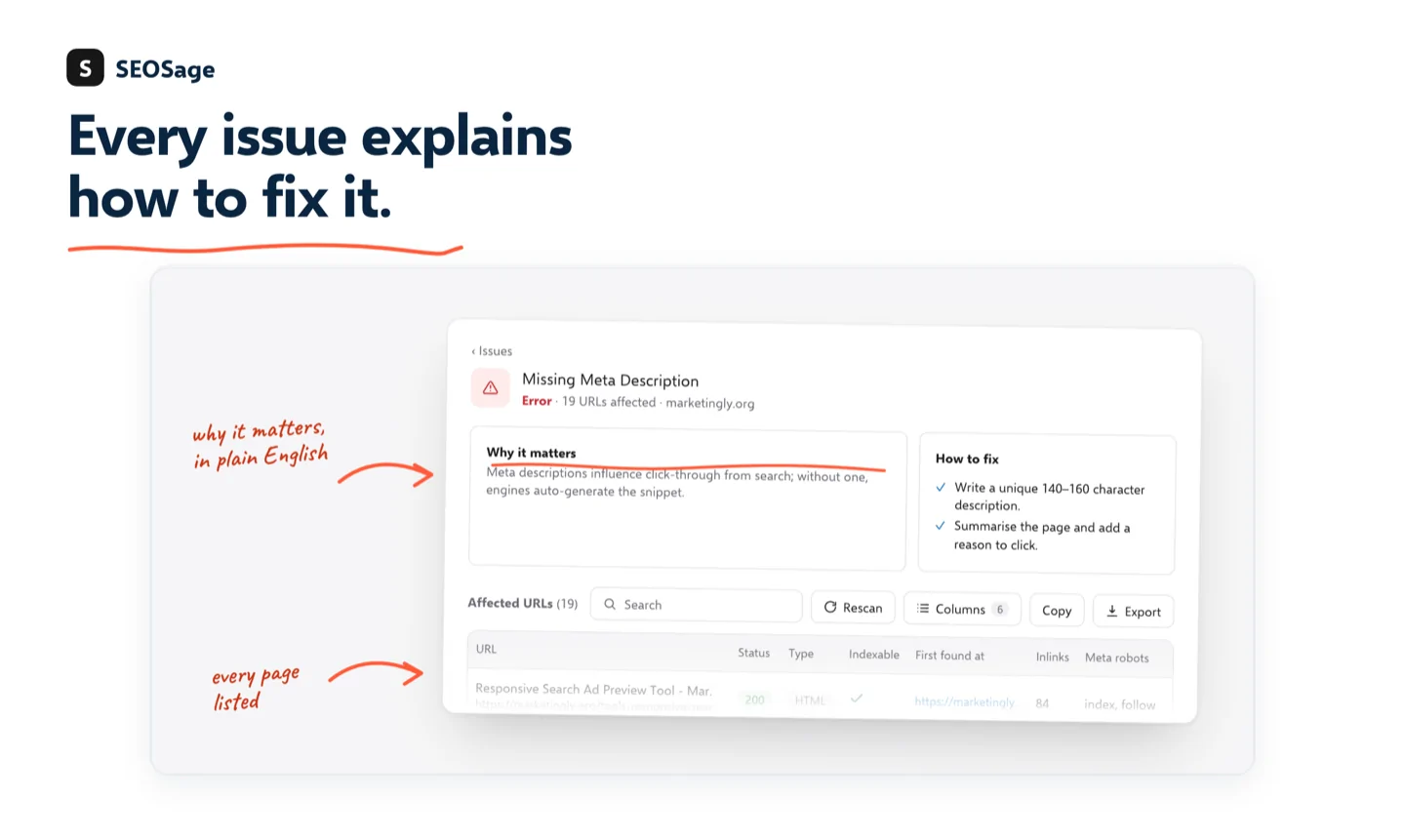
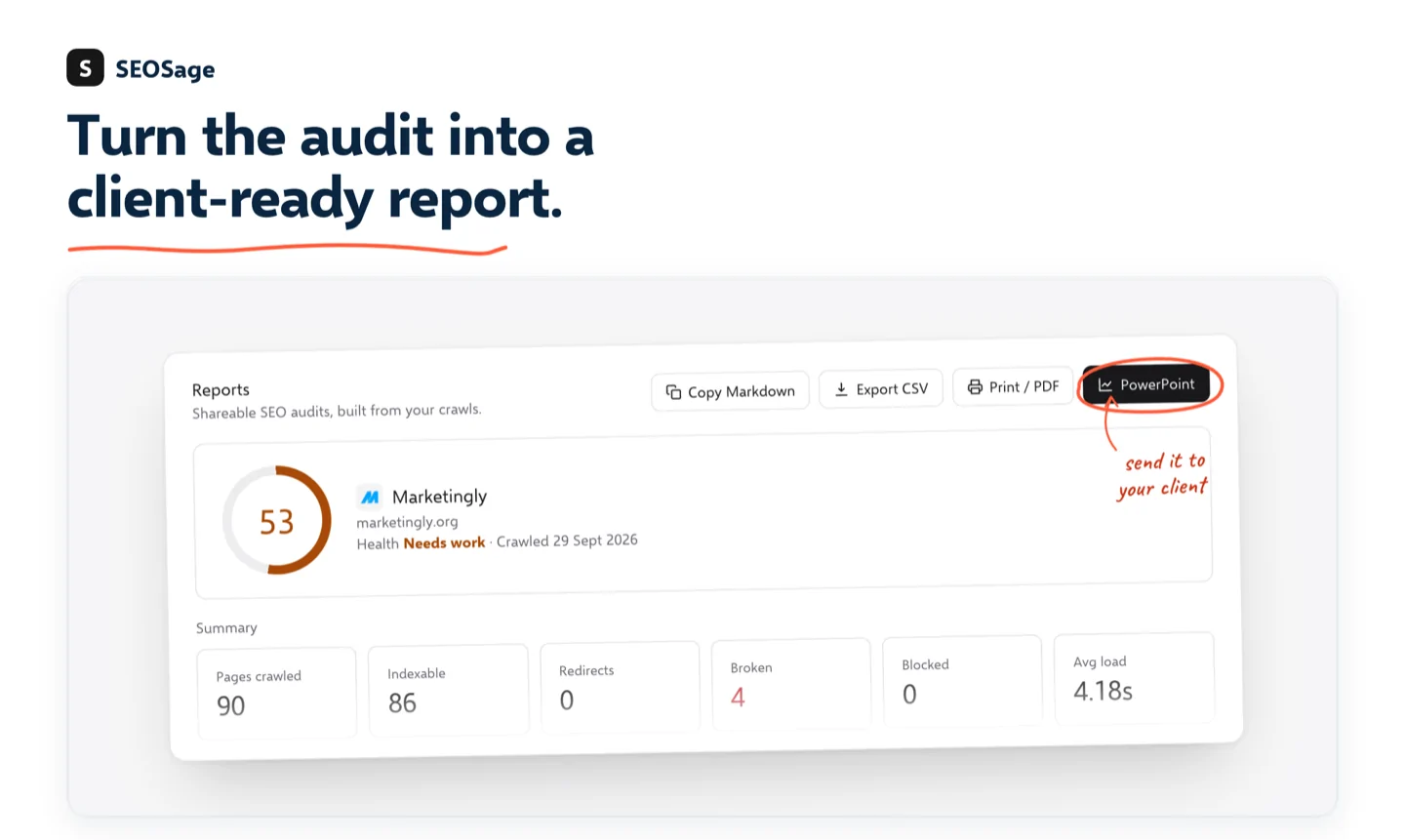
Either way, a good audit ends with a ranked list of fixes, an owner for each, and a number to track. If an agency hands you a long report with no priorities, ask for those three things. Agencies can also run their crawls with a desktop tool and send you a branded report, as shown below.
How SEOSage fits this audit #
SEOSage is a desktop app that crawls your whole site on your own computer, with no page limit, so a large docs section is not cut off. Your crawl data stays on your machine, which matters for agencies working under client confidentiality. It covers steps 1 to 6 directly: indexability, status codes, redirects, canonicals, orphan pages and internal links, with JavaScript rendering available when your site needs it.
When the crawl is done, turn it into a report. Export to Excel, PDF or PowerPoint, and with white-label reports switched on, your own logo and colors replace ours. You can also connect SEOSage to Claude to get plain-English summaries of what to fix first.
- Agencies auditing several clients without a per-site page cap.
- Site owners checking a large product or docs section in one pass.
- Teams who prefer crawl data to stay off outside servers.
Start with the SEO audit checklist, then see pricing when you are ready for a full crawl.
FAQ #
What is the first thing to check in a SaaS SEO audit? #
Check that your pricing, demo and trial pages are indexable. Use the URL Inspection tool in Search Console and look at the rendered HTML. If the main content is missing there, Google may be indexing an empty page.
How do I audit a JavaScript-heavy SaaS site for SEO? #
Check that your main heading, text and links appear after JavaScript runs. Use Search Console’s rendered view and a crawler with JavaScript rendering turned on. If content is missing, server-side rendering, static generation or prerendering for bots usually fixes it.
How is a SaaS SEO audit different from a standard SEO audit? #
It puts indexing and rendering checks first, because SaaS sites lean on JavaScript frameworks. It also ties every fix to demos and trials instead of stopping at traffic and on-page checks.
How often should a SaaS company run an SEO audit? #
Run a full audit every quarter, with a quick monthly look at your revenue pages. If you publish new pages often, spot-check each new page when it goes live.
How long does a SaaS SEO audit take? #
The core checks (steps 1 to 5) take about a day. The full audit with content, links and conversion tracking takes about a week.
Sources #
- Google Search Central: JavaScript SEO basics
- Search Console Help: URL Inspection tool
- web.dev: Core Web Vitals